Create a profile
Each profile is a separate browser setup. Accounts sign in inside their own profile.
Updated
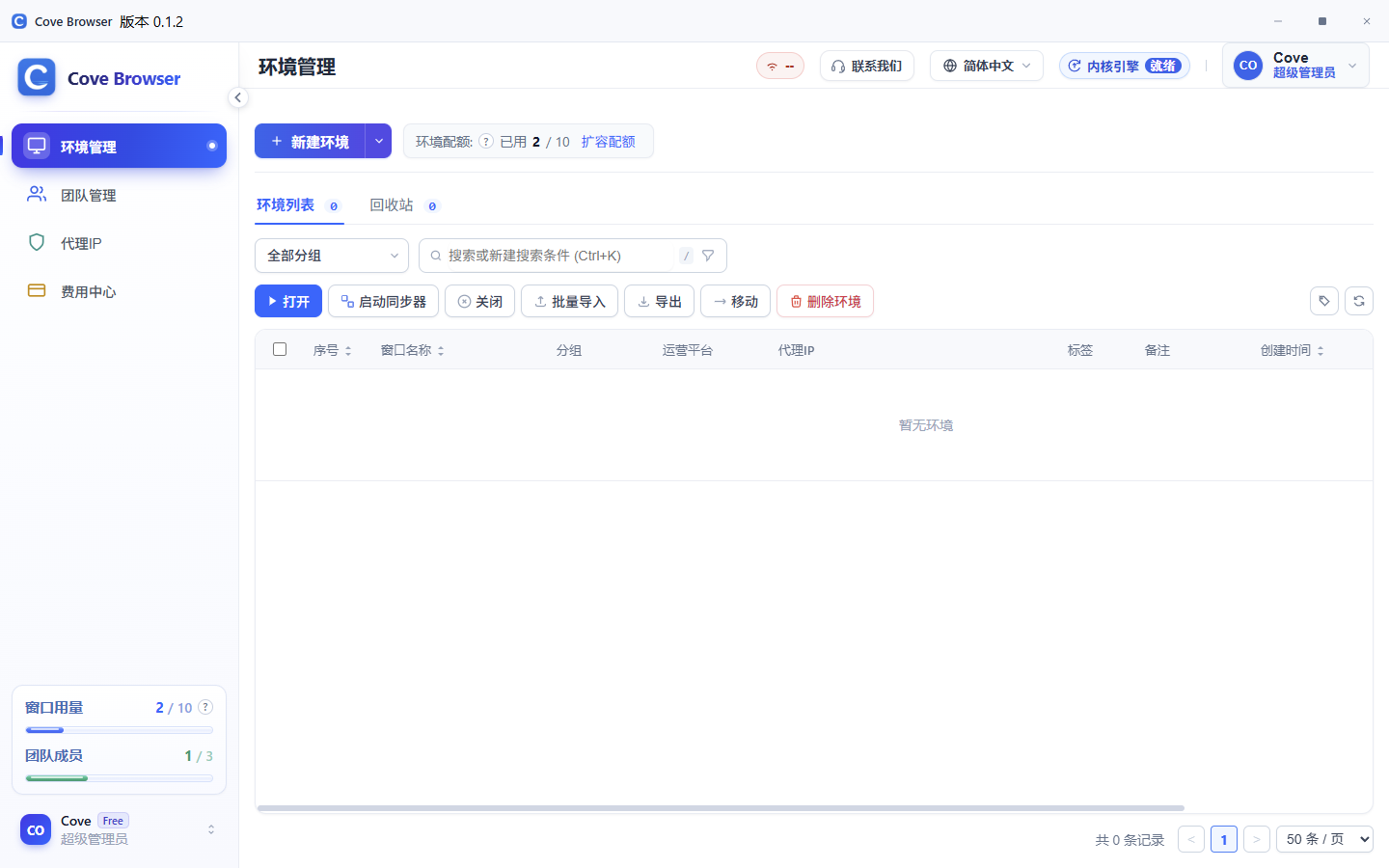
Where to create one
In Environments, choose New environment.
What to fill in
Enter a name, then choose a group, operating system and fingerprint kernel. When kernels are installed, a new profile uses the newest one.
Set a proxy now, or leave it as a direct connection and change it later.
Open it after saving
After saving, the profile appears in the list. Open starts the browser window for that profile.
Delete and restore
Deleted profiles go to the recycle bin and can be restored. Purging a profile cannot be undone.