Check fingerprint after setup
After opening a profile, check the exit IP and time zone, then open BrowserScan, BrowserLeaks and IP2Location in that same profile.
Updated
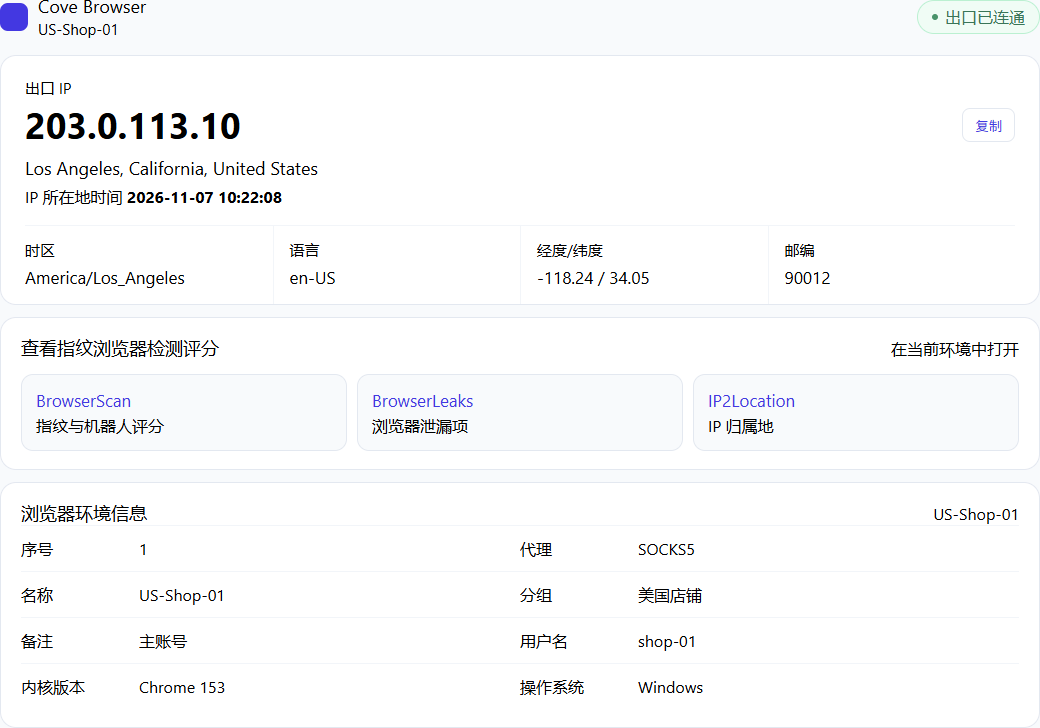
Read the exit on the start page
Opening a profile shows its start page first. It lists the exit IP, location, time zone, language and coordinates.
The exit country should match the proxy country. The time zone and language should match the profile settings. The address 203.0.113.10 in the picture is only an example. The real exit depends on the proxy you entered. If the page still shows this computer's address, test the proxy again in the profile.
Open the check sites inside this profile
The start page links to three check sites. Open them in the current profile, not in the computer's own browser.
BrowserScan shows the fingerprint and bot score. BrowserLeaks shows browser leak checks. IP2Location shows where the IP is registered.
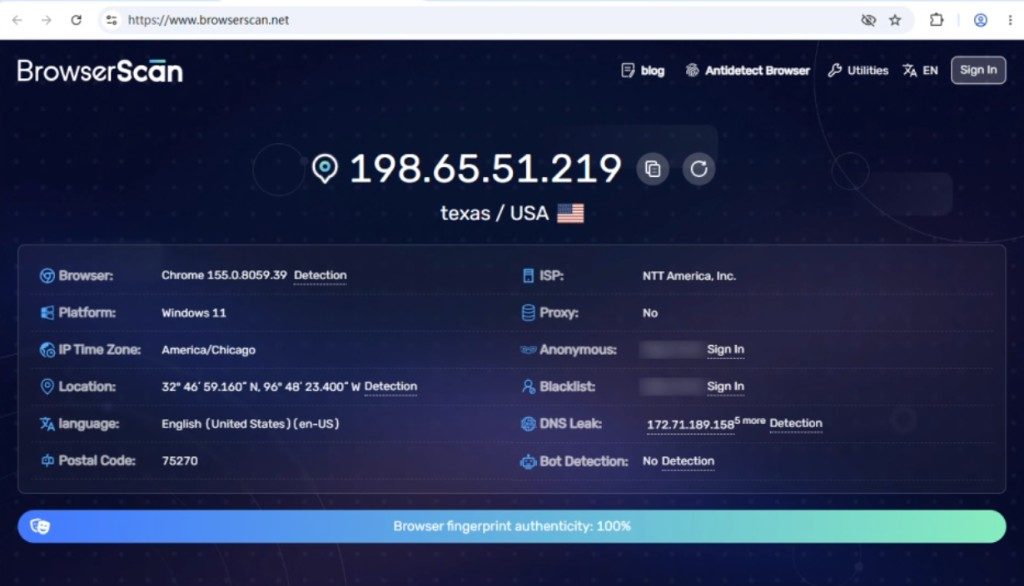
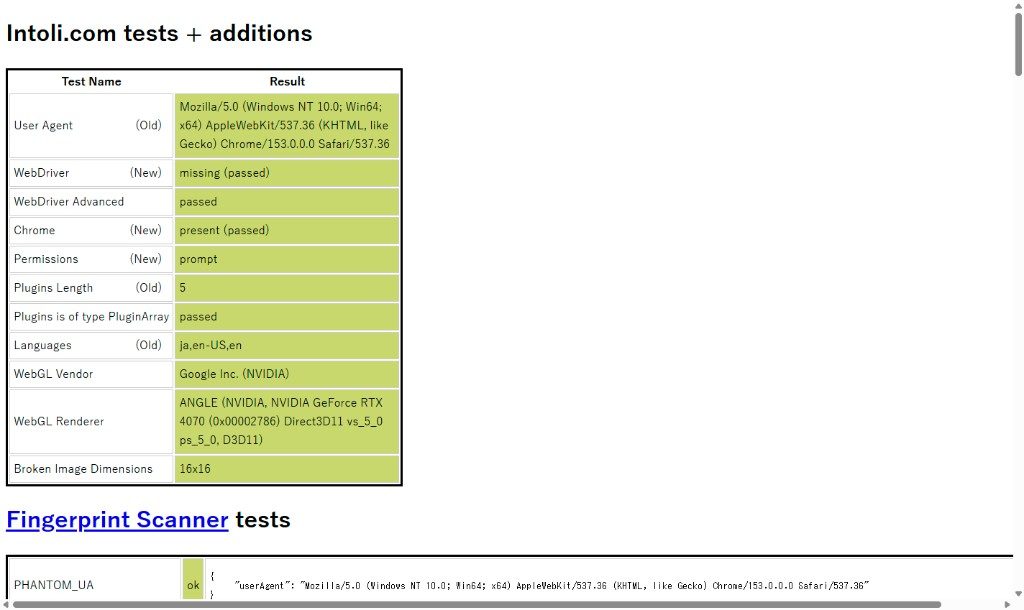
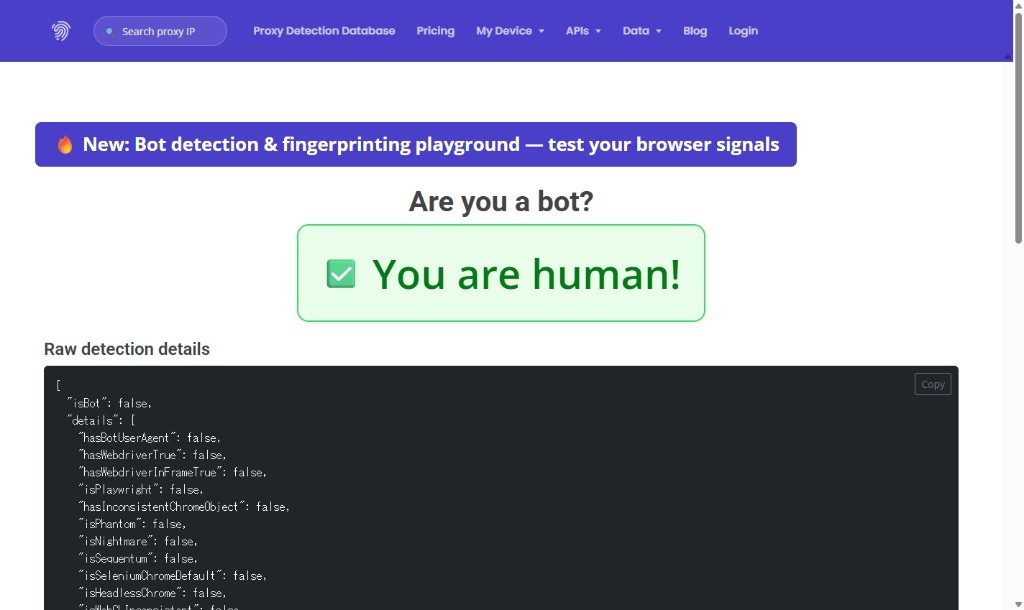
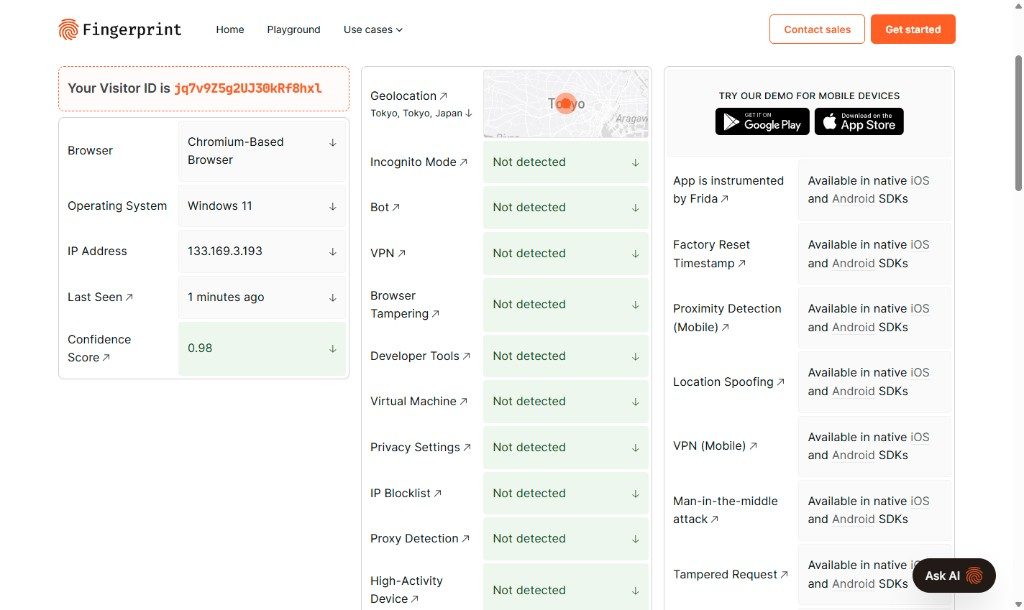
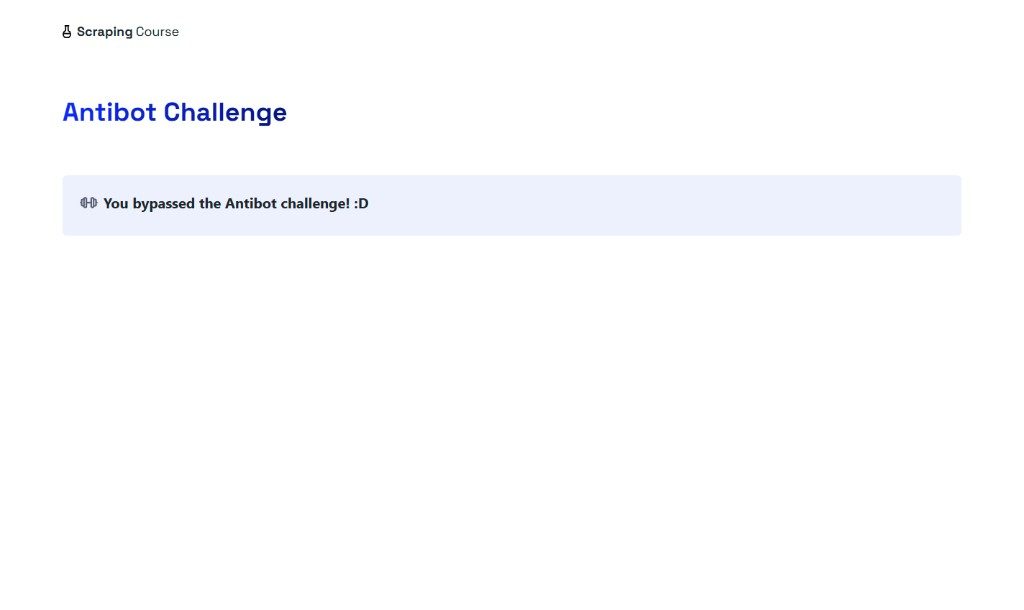
You can also open www.browserscan.net, bot.sannysoft.com, deviceandbrowserinfo.com, demo.fingerprint.com and www.scrapingcourse.com. Each result below is labeled with its site domain.
What to compare on each site
On BrowserScan, compare the IP country and time zone with the proxy, check that WebRTC does not reveal this computer's real IP, and check that Canvas and WebGL differ from your other profiles.
On BrowserLeaks, focus on WebRTC, Canvas and fonts. Those items should not expose this computer's real network or unmodified hardware.
On IP2Location, the location should match the proxy country. If it disagrees with the start page, trust the result you just opened inside this profile.
What counts as a match
Open the same check site in two profiles. The exit IP and fingerprint items should differ.
A site's overall score is only a reference. Confirm the exit IP, time zone and WebRTC first. When those three match the proxy and the profile settings, the profile is working as configured.